
This document introduces the features and characteristics of a wireless router of a certain brand and model
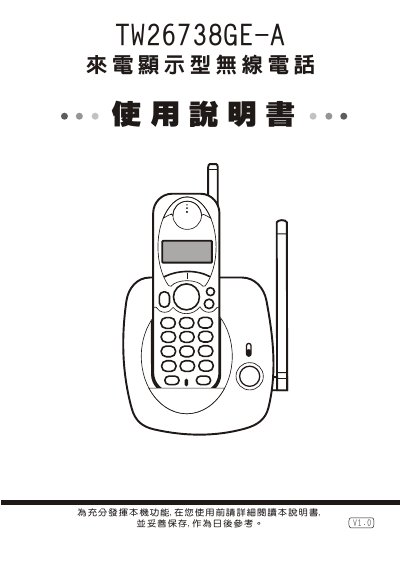
This manual provides step‑by‑step instructions for installing the Wonder TW26738GE-A wireless telephone, including charging the battery, connecting the power transformer, and positioning the handset to avoid interference. It also covers initial configuration such as time setting, contrast adjustment, and ringtone selection.
Detailed sections describe how to make and receive calls, use features like Do‑Not‑Disturb, pause, redial, and memory functions, and offer troubleshooting tips for common issues such as missing caller ID, no sound, or display problems. This manual is written in Chinese.
| Dialing system | DTMF |
|---|---|
| DTMF high‑frequency group | 1209/1336/1477 Hz |
| DTMF low‑frequency group | 697/770/852/941 Hz |
| DTMF frequency error | ±1.5 % |
| Transmission power | < 10 mW |
| Operating frequency (base unit) | 46.610 – 46.970 MHz (10 channels) |
| Sub‑unit frequency | 49.670 – 46.970 MHz (10 channels) |
| Frequency tolerance | ±1.5 % |
In standby mode press and hold the setting/guest key for about 3 seconds, then use the ▲ or ▼ keys to adjust month, day, hour and minute, confirming each step with the setting key.
While the phone is in standby, press the setting/guest key followed by the pause key; the display will show a symbol indicating that all incoming calls are silenced.