
This document is an instruction manual for MCD706 DVD Micro Theatre 2
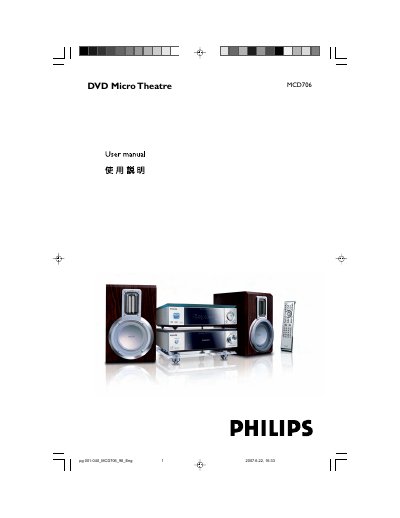
This manual covers everything you need to install and use the Philips MCD706DVD DVD Micro Theatre. It explains the supplied accessories, environmental requirements, installation steps, and how to connect speakers, antennas, TV, and USB devices. Detailed functional overviews describe the DVD player, power amplifier, remote control, and advanced features such as Dolby Digital, Progressive Scan, and parental controls.
Maintenance and troubleshooting sections guide you through cleaning the disc, handling humidity, adjusting the voltage selector, and resolving common issues with playback, remote control, and radio reception. A glossary defines technical terms used throughout the guide.
| Audio output | 2.0 channel full digital amplifier |
|---|---|
| Built‑in decoder | Dolby Digital decoder |
Connect the right speaker to the “R” terminal and the left speaker to the “L” terminal, matching the coloured (+) and black (‑) wires, and ensure the speaker impedance matches the supplied speakers.
Progressive Scan requires a TV that supports Progressive Scan; otherwise the picture will not display correctly.