
DVP3680 is a DVD player with features like TV OUT, COAXIAL, Y Pb Pr, AUDIO OUT, HDMI, etc. Users can register their product and get support.
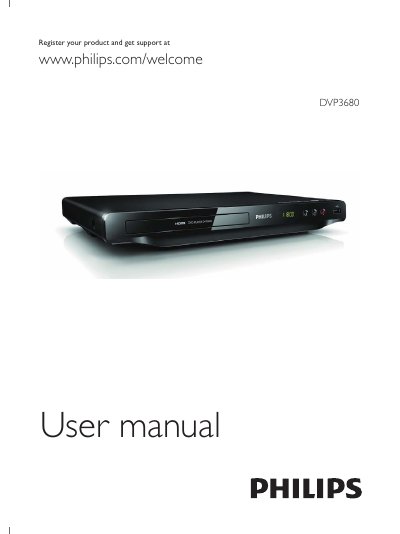
This manual explains how to connect the DVP3680 DVD player, register the product for support, and use basic playback functions. It covers hook‑up instructions, remote‑control operations, and menu navigation.
Additional sections describe video options such as DivX playback, HDMI EasyLink setup, software updates, troubleshooting tips, and detailed specifications of supported disc formats, audio/video outputs, power consumption, and dimensions.
| Supported disc formats | DVD+R/+RW, DVD‑R/-RW, DVD+R/-R |
|---|---|
| USB video file formats | avi, .divx, .mp4, .xvid |
| USB audio file formats | .mp3, .wma |
| HDMI output resolutions | 480i, 480p, 576i, 576p, 720p, 1080i, 1080p |
| Power consumption | 11 W (active), < 0.5 W (standby) |
| Dimensions (W × H × D) | 310 mm × 39 mm × 203 mm |
| Net weight | 1.35 kg |
| Analog audio output | 2 Vrms (47 kΩ) |
| Digital audio output | 0.5 Vp‑p (75 Ω) |
Visit www.philips.com/welcome and register the product to receive support.
DivX videos can be played from a disc or USB storage after registering the player’s VOD code at vod.divx.com.
Select Setup → Video → HDMI Setup → EasyLink Setup to control EasyLink‑compatible devices via HDMI.
Press the SUBTITLE button on the remote and select the desired language.