
This document is the user manual for BDP7300 Blu-ray player, introducing the features and characteristics of the product.
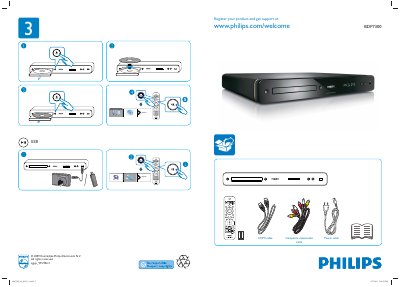
This manual explains how to set up the Philips BDP7300, covering disc playback, USB media, HDMI, composite video/audio and LAN connections. It also details power requirements and registration for support.
The guide walks through menu options such as Advanced Setup, Audio Setup, Preference Setup, EasyLink, OSD Language, Parental Control, Screen Saver, Display Panel, Auto Standby and PIN changes, with language choices for English, Russian, Spanish and Portuguese. This manual is written in Chinese.
Use the HDMI cable or the composite video/audio cable to connect the player to the TV.
Select the Parental Control menu, change the PIN, and enable or disable the feature as needed.