
This document is the user manual for the Philips BDP3250 Blu-ray player, which describes the features and characteristics of the product, such as HDMI connection, video and audio output.
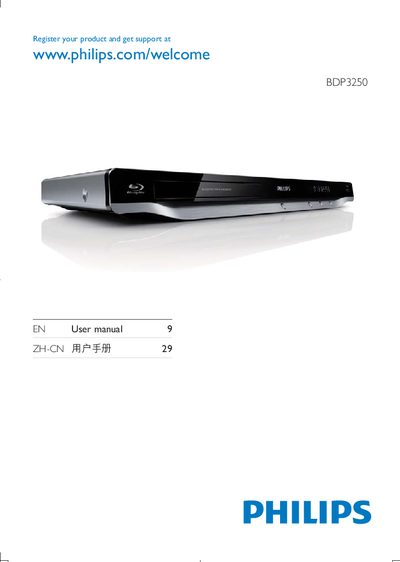
This manual provides operating instructions for the Philips BDP3250 Blu-ray Disc player. It covers setup, playback of Blu-ray, DVD, CD, and digital media formats, and features like Philips EasyLink and BD-Live. The device supports HDMI, USB, and coaxial audio connections. The manual also includes software licensing terms and legal disclaimers for software use.
The guide is designed for end users and includes navigation for menus, subtitles, and playback controls. It contains technical specifications and usage limitations, including DRM restrictions and copyright notices for content playback.
| Model | BDP3250 |
|---|---|
| Supported Formats | Blu-ray, DVD, VCD, CD, DivX Plus HD, MKV, MP3, JPEG |
| Audio Outputs | HDMI, Coaxial, Line Out |
| Software License | End User License Agreement |
It supports Blu-ray, DVD, VCD, CD, DivX Plus HD, MKV, MP3, and JPEG formats.
Use HDMI for video and audio output, or coaxial and line out for audio.
It is a feature that allows easy connection and control of compatible devices.
The software is licensed for personal use only and is subject to an End User License Agreement.