
This document introduces the Philips BDP2700 product's features and characteristics
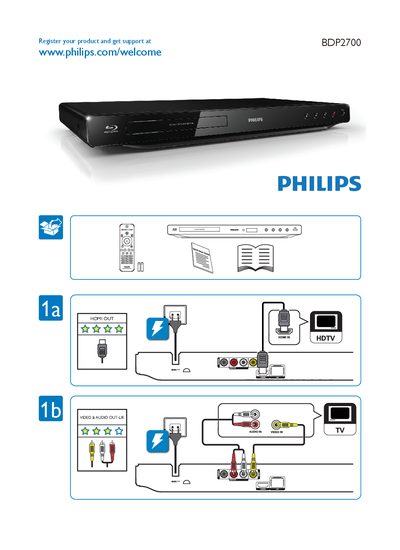
The guide begins with instructions to register your Philips BDP2700 TV and obtain support via the Philips website (www.philips.com/welcome). It also notes the copyright information for the product.
The remainder of the guide lists the on‑screen menu options such as Video, Audio, USB Audio, Subtitle, Network, Parental Control, Screen Saver, Preference, Auto Subtitle, Advanced, and Change Password, helping users navigate and configure the TV's features.
| HDMI Output | Available |
|---|
Visit www.philips.com/welcome and register your product to get support.
Parental Control is listed as a menu option in the TV's on‑screen menu.
Select the Advanced menu and choose Change Password.