
This user manual provides information about the features, characteristics, and usage of the Philips BDP3008 Blu-ray player.
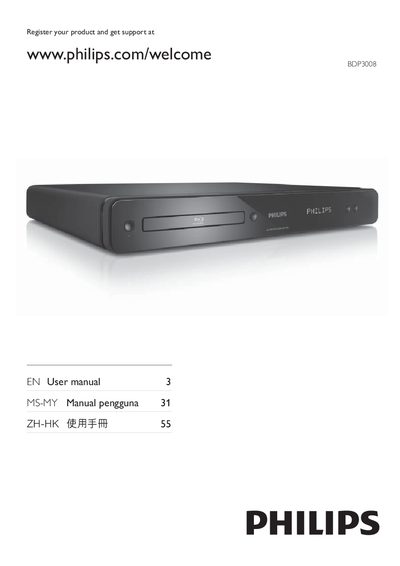
This manual covers everything you need to get started with the Philips BDP3008 Blu‑ray Disc Player, from safety notices and product highlights to detailed connection instructions for HDMI, component, and composite video. It also explains how to use the remote control, navigate menus, and enable features such as EasyLink, BonusView, and BD‑Live.
Additional sections provide guidance on adjusting video and audio settings, updating software, caring for the device, and troubleshooting common issues. Legal and licensing information, including open‑source software notices and warranty statements, are included at the end of the document.
Visit www.philips.com/welcome and follow the registration instructions for your product.
Do not install the product in a confined space, keep at least 4 inches of clearance for ventilation, avoid heat sources, and use the product only indoors away from moisture.
EasyLink can be enabled via the menu, and when it is on, press and hold the power button on the remote for at least three seconds to put all HDMI‑CEC devices into standby.
Philips recommends using an HDMI category 2 (High Speed) cable for the best video and audio output.