
This document provides information on the settings, usage, specifications, and troubleshooting methods of the Philips Home Theater System HTS3540.
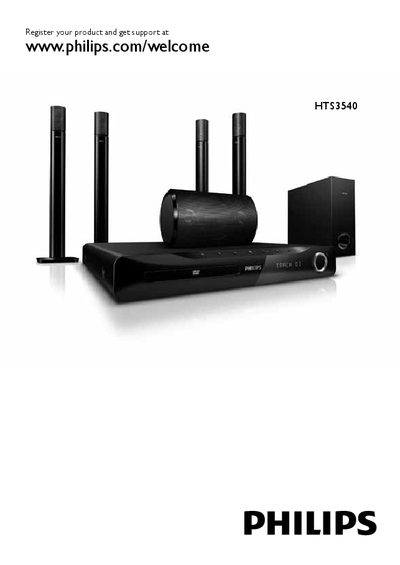
This user manual covers the Philips HTS3540 home theater system. It includes safety information, product maintenance, disposal instructions, an overview of the main unit and remote control, connection instructions for TVs and other devices, playback features, settings changes, software updates, specifications, and troubleshooting.
The manual describes connecting the system to a TV via HDMI, component video, or composite video, connecting audio from TVs or other devices, connecting a microphone, playing discs and USB storage devices, using the radio, and creating MP3 audio files. This manual is written in Chinese.
| Power consumption | 200 W |
|---|---|
| Standby power consumption | ≤ 0.9 W |
| Main unit dimensions | 360 x 58 x 320 mm |
| Main unit weight | 2.84 kg |
| Speaker impedance | 4 ohms (center), 8 ohms (front/rear) |
| Speaker frequency response | 150 Hz - 20 kHz |
| Subwoofer frequency response | 20 Hz - 150 Hz |
| USB compatibility | High-speed USB (2.0) |
| Maximum supported storage capacity | < 160 GB |
| Laser type | Semiconductor laser GaAlAs (CD) |
Latin America/Asia Pacific: 110-127 V/220-240 V, about 50-60 Hz, switchable; China/Russia/India: 220-240 V, about 50 Hz.
At least 4 inches of space around the product must be left for ventilation.
FAT12, FAT16, and FAT32.
645-665 nm.