
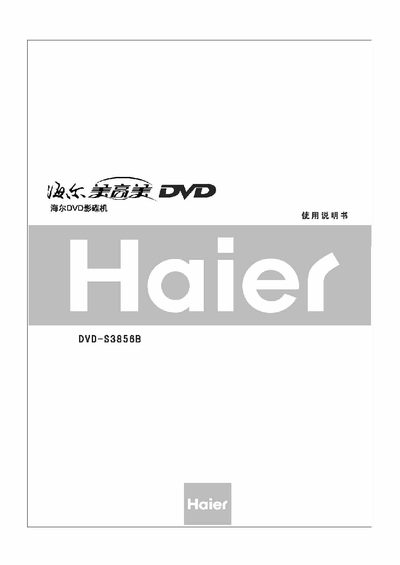
The Haier DVD‑S3856B is a home DVD player that supports high‑definition video output, multiple subtitle languages, and a range of audio formats such as DTS, Dolby‑Digital and HDCD. It offers features like progressive‑scan output, software upgrades, and parental‑control settings.
This manual covers safety precautions, basic playback, system settings, detailed function operation, special playback modes (MP3, MP4, subtitles), troubleshooting steps, and a full list of technical specifications. It also includes information on proper handling, cleaning, and warranty contact details. This manual is written in Chinese.
| Supported video standards | NTSC or PAL |
|---|---|
| Power consumption | 15 W |
| Input voltage range | 110 V‑240 V, 50/60 Hz |
| Weight | 1.7 kg |
| Dimensions (L×W×H) | 360 mm × 240 mm × 33 mm |
| USB input ports | 1 |
Use component video cables (Y, Cb/Pr, Cr) to connect the player’s component output ports and set the video output mode to component in the menu.
Turn off the power, unplug the power cord, and contact Haier service using the phone number on the warranty card.
The player can display up to 32 subtitle languages.
The unit consumes 15 W of power.