
IPCam SECURE300 is a network camera with features such as ease of use, support for multiple platforms, Web configuration, remote control, and wide range of applications.
The IPCam SECURE300 is a standalone IP camera that connects directly to Ethernet or Fast Ethernet and can be managed remotely via a web browser. It includes a built‑in CPU and web‑based interface, allowing high‑quality video monitoring without additional hardware.
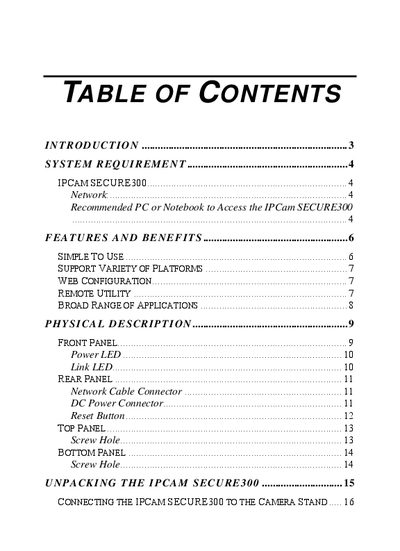
The manual covers hardware installation, network requirements, software setup with the IPView SE application, web configuration, and includes a FAQ section for common tasks such as adding, deleting, and configuring cameras.
| Network Interface | 10Base‑T Ethernet or 100Base‑TX Fast Ethernet |
|---|
Use the “Add Camera” function in the IPView SE application to add a new camera.
Firmware can be upgraded remotely over the network using the IPView SE application.