
This is a camera user manual
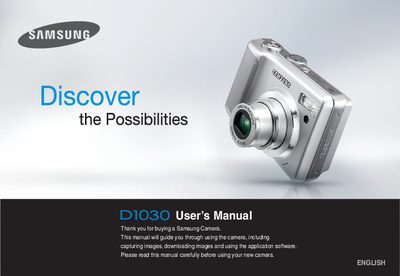
This manual guides you through setting up the Samsung D1030 camera, including installing the driver from the supplied CD, connecting the camera to a PC via the USB cable, and basic operation such as taking pictures, recording video, and using the various shooting modes. It also explains how to manage memory cards, battery installation, and how to use the included software for image transfer and printing.
Safety warnings, battery handling, and service information are covered in detail, along with a full description of the camera’s buttons, menus, and indicators. Contact information for Samsung service centers worldwide is provided at the end of the document.
| Memory card compatibility | SD memory card, MMC |
|---|