
This document provides safety precautions for using Samsung devices, including not using the device while driving and how to properly store and use the device.
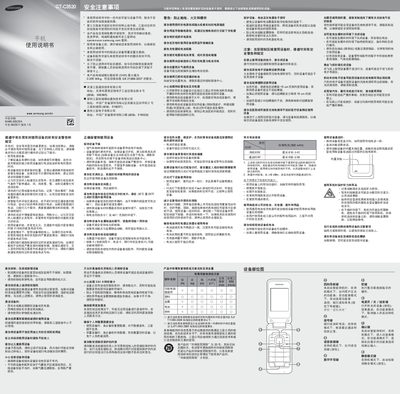
This manual covers safety precautions, proper handling, and maintenance of the Samsung GT-C3520 mobile phone. It includes warnings about using the device while driving, battery safety, and environmental conditions.
Detailed instructions are provided for installing the SIM card and battery, using the camera, FM radio, music playback, virtual call feature, and setting alarms. The guide also explains how to adjust volume, manage contacts, and use the smart standby screen. This manual is written in Chinese.
| Battery type | Standard 800 mAh |
|---|---|
| Maximum standby time | 610 hours |
| Maximum talk time | 550 minutes |
| SAR value | 0.355 W/kg |
Remove the battery cover and insert the SIM card.
Press the up or down navigation key while on a call to change the volume.
In the menu, select Settings → Call → Virtual Call and enable the virtual call hotkey; in standby mode, hold the down navigation key to trigger a virtual call.
The SAR maximum value is 0.355 W/kg, meeting the national standard.