
This is the user manual for Samsung GT-P6200, it introduces the features and how to use the device
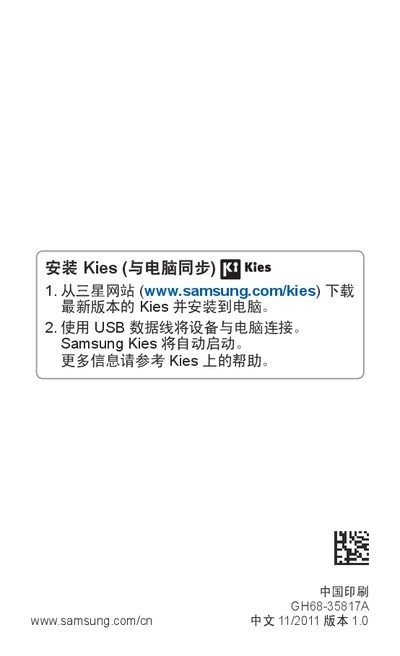
This manual covers the Samsung GT-P6200 tablet, describing safety precautions, icon meanings, and general usage guidelines. It explains how to install Samsung Kies on a computer, connect the device via USB, and update the tablet's software.
The document includes sections on installing SIM/USIM cards, charging the battery, inserting optional storage cards, navigating the touch screen, using built‑in applications, and customizing settings such as network and Wi‑Fi. This manual is written in Chinese.
Download the latest version of Kies from Samsung’s website (www.samsung.com/kies) and install it on your PC, then connect the tablet with a USB cable.
Visit www.samsung.com/cn and follow the instructions to upgrade the device’s software.
Refer to the “安装 SIM 或 USIM 卡” section of the manual for step‑by‑step instructions on inserting the card.