
This manual will guide you through using the camera, including capturing images, downloading images and using the application software. Please read this manual carefully before using your new camera.
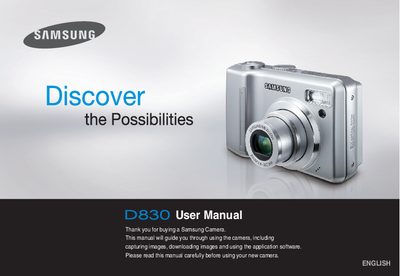
This manual guides you through the initial setup of the Samsung D830, including driver installation, USB connection, and basic operation such as taking pictures and recording video. It also covers the camera’s menu system, button functions, and how to manage images on a PC.
Safety information is provided to prevent injury and damage, with warnings about liquid exposure, flash use, and proper battery handling. Contact details for Samsung service centers worldwide are listed at the end of the document.
Insert the supplied USB cable into the PC's USB port and the camera’s USB connection terminal, then install the driver from the application software CD.
Switch off the camera, disconnect the power source, and contact a Samsung dealer or service centre.
Do not use the flash in close proximity to people or animals, as it may cause eyesight damage.