
This document describes the features and characteristics of the PDP series products, including high-definition display, PC connection, TruSurroundXT sound technology, etc.
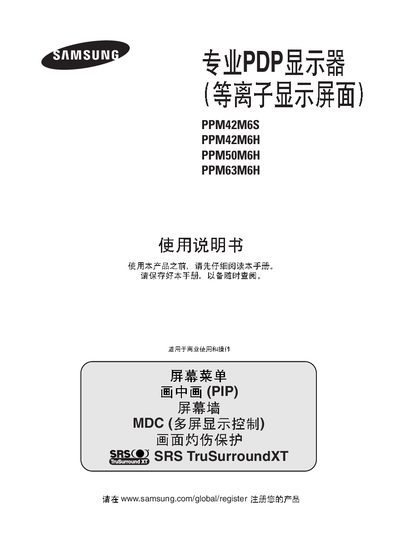
This manual provides instructions for Samsung plasma display models PPM42M6S, PPM42M6H, PPM50M6H and PPM63M6H. It includes safety precautions, installation steps, connection diagrams, remote‑control usage, and menu configuration for optimal picture and sound performance.
Key sections cover screen‑burn‑in prevention, multi‑display control (MDC), picture‑in‑picture (PIP), technical specifications, and after‑sales service information. The guide also explains how to connect audio/video sources, adjust picture settings, and troubleshoot common issues. This manual is written in Chinese.
| Screen size | 42" (PPM42M6S/PPM42M6H), 50" (PPM50M6H), 63" (PPM63M6H) |
|---|---|
| Resolution | 852 × 480 (PPM42M6S), 1024 × 768 (PPM42M6H), 1366 × 768 (PPM50M6H/PPM63M6H) |
| Power consumption | 300 W (PPM42M6S), 380 W (PPM42M6H), 480 W (PPM50M6H), 570 W (PPM63M6H) |
| Weight (without stand) | 31 kg (PPM42M6S), 35 kg (PPM42M6H), 41 kg (PPM50M6H), 67 kg (PPM63M6H) |
| Aspect ratio | 16:9 |
| Audio output power | 10 W + 10 W |
| Power supply | AC 100‑240 V, 50/60 Hz |
| Video inputs | AV, S‑VIDEO, Component, DVI‑D, RGB1 (PC1), RGB2 (PC2) |
The display should be used only below 2000 meters altitude; installation above that height may cause abnormal operation.
No, any damage resulting from image retention or screen burn‑in is excluded from the warranty.