
This document is the GT-E2600 device user manual, which introduces the device's function keys, operation methods, and usage precautions
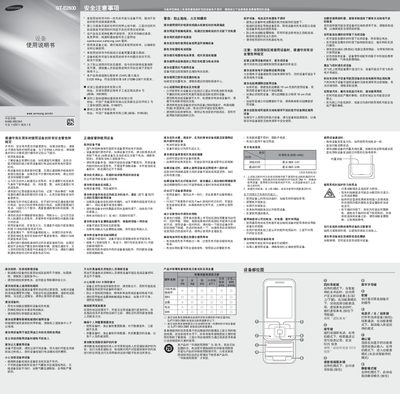
This manual begins with safety warnings, emphasizing the importance of hands‑free use while driving, avoiding exposure to extreme temperatures, and handling the battery safely. It also outlines legal responsibilities and emergency procedures.
The remainder of the guide covers hardware installation (SIM card and battery), basic phone functions such as making calls, sending messages, using the camera and FM radio, and configuring settings like volume, ringtone, and smart home screen. Detailed instructions for charging, battery care, and accessory use are included. This manual is written in Chinese.
| Battery capacity | 800 mAh |
|---|---|
| Maximum standby time | 666 hours |
| Maximum talk time | 685 minutes |
Remove the battery cover, insert the SIM card, then replace the battery cover.
Use only Samsung‑approved chargers and avoid damaged or third‑party chargers.
Insert earphones, open the FM Radio app from the menu, and use the navigation keys to tune stations.