
Safety precautions, including safety warnings and regulations for using the device while driving, and precautions for correct use and storage of the device
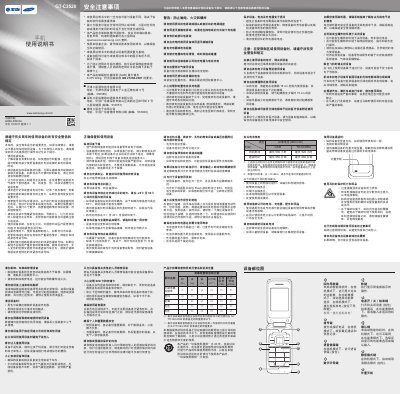
This manual provides safety warnings, handling instructions, and operating procedures for the Samsung GT-C3528 mobile phone. It covers topics such as safe use while driving, battery care, environmental limits, and proper handling of accessories.
The guide also includes detailed instructions for common functions like setting alarms, using the camera, playing music, sending messages, and managing contacts, as well as specifications for battery capacity and talk/standby times. This manual is written in Chinese.
| Battery capacity | 900 mAh |
|---|---|
| Maximum standby time | 500 hours |
| Maximum talk time | 550 minutes |
| Operating temperature range | -20 °C to 50 °C |
| Maximum SAR value | 0.275 W/kg |
The phone should be used in environments between –20 °C and 50 °C.
The standard battery provides up to 500 hours of standby time under optimal network conditions.
From the main menu select Alarm, press the Create button, set the time and options, then store the alarm.