
The document describes the connection methods and possible functions of products such as TV, set-top box, VCR, DVD player/home theater system. It also provides specifications for different models of TVs and accessories.
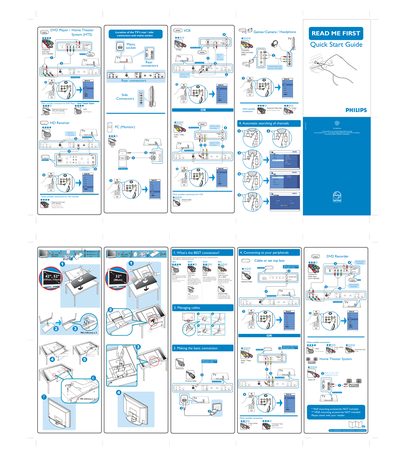
The document provides detailed connection options for a Philips DVD Player Home Theater System, covering TV inputs such as HDMI, component video, S‑Video, VGA, and composite AV. It lists specific connector types for VCR, HD receiver, and the home theater unit itself, and includes wiring diagrams and cable‑management tips.
Additional sections describe how to select the best connection, manage cables, and configure source lists for multiple inputs. The guide also notes mounting accessory availability and battery requirements for the remote control.
| Battery type | AAA (1.5 V) x 2 |
|---|---|
| Mounting accessories | VESA mounting accessories not included |
Use the VGA connection and connect the audio cable to the TV PC Audio In.
The guide lists HDMI 1 and HDMI 2 as source inputs for the TV and the home theater system.