
This document describes the features and characteristics of the Digimax brand's CHINESE 1 HD 2 3 4 Digimax Converter Digimax Master 5 camera.
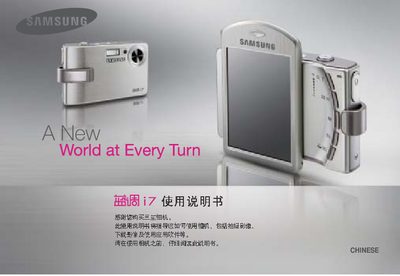
This manual guides you through installing the camera driver from the supplied CD-ROM, connecting the camera to a PC with the provided USB cable, and powering the device on. It also explains how to access the removable disk in Windows Explorer to transfer images.
The guide covers camera operation, including selecting shooting modes, using the LCD touchscreen, handling the battery, and important safety precautions such as avoiding liquids, not modifying the camera, and keeping the device away from heat sources. This manual is written in Chinese.
| Battery model | SLB-1137C |
|---|
You must install the driver program from the CD‑ROM before connecting the camera to the computer.
If the power is off, press the power button to turn the camera on.
Stop using the camera, turn it off, disconnect power, and contact Samsung service center.