
The document introduces a new watch from a particular brand. The watch has many features, including step counting, heart rate monitoring, sleep monitoring, and exercise modes.
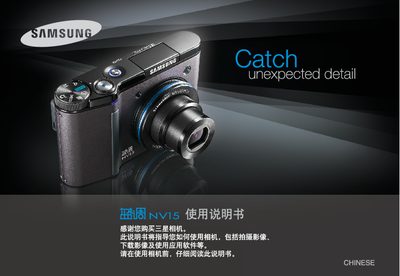
This manual guides users through installing the camera driver, connecting the device via USB, and using basic functions such as shooting photos, recording video, and adjusting settings. It also covers battery handling, safety warnings, and how to transfer images to a computer.
Additional sections explain playback features, menu navigation, storage management, and provide a list of specifications and common troubleshooting tips. This manual is written in Chinese.
Before using the product, check that all accessories are correct and present.
Install the camera driver first, then connect the camera to the computer with the USB data cable.