
Samsung L310W Digital Camera User Manual

The document describes the features and characteristics of a product.
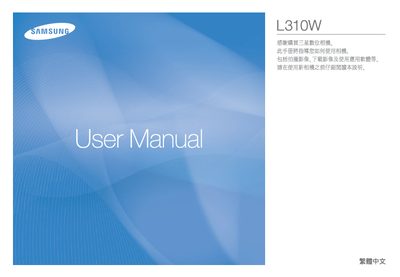

Samsung L310W Digital Camera User Manual - cover page
Brand
Samsung
Category
Digital cameras
Document type
User Manual
Language
Chinese
Pages
107
File format
PDF
File size
6.7 MB
Published
26 March, 2012
Updated
29 September, 2023
MD5 checksum
837FDC7E07E33F4B593767D21CC9FB80

About this manual

This Samsung L310W digital camera user manual guides users through operating the camera, including shooting images, downloading images, and using application software. It covers safety precautions, camera parts, shooting modes, playback functions, settings, and software installation.

The manual also includes system requirements, specifications, indicator light descriptions, steps to take before contacting a service center, and frequently asked questions. This manual is written in Chinese.

What's inside

  • System diagram
  • Package contents
  • Optional accessories
  • Front, top, rear, and bottom views
  • Using Auto mode
  • Using Program mode
  • Using Manual mode
  • Using DUAL IS mode
  • Using Photo Description Guide mode
  • Using Beauty Shot mode

Frequently asked questions

What should I do if I cannot delete a movie, remove the removable disk, or an error message appears during file transfer?

Close the Samsung Master program by clicking its icon on the taskbar, then install all application programs from the CD.

What is required to transfer images from the camera to a computer?

Use the included USB cable to connect the camera to the computer.

What should you do before using the camera for important events?

Check that the camera is working properly to avoid disappointment.

What is the USB cable model included with the camera?

The USB cable model is SUC-C3.

Download PDF (6.7 MB)

More Samsung Manuals


View all Samsung manuals →