
This report introduces the application of AnHeng information security products in the power industry, including the application in the construction of power industry security assurance system, power network security situation awareness, power information security protection, power cloud security, power Internet of things security, power big data security, etc., and introduces the technical advantages of AnHeng information security products in the power industry.
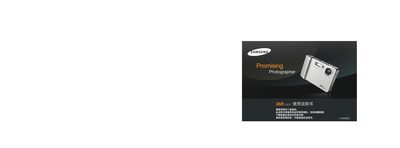
This user manual guides you on how to use the Samsung L83T digital camera, covering operations such as taking photos, recording videos, and transferring images to a computer. It includes detailed instructions on installing the necessary drivers and application software. Before using the camera, please read this manual thoroughly to ensure proper operation and safety. This manual is written in Chinese.
You must install the camera driver program and read the entire user manual before using the camera.
You must use the included USB data cable to connect the camera to the computer, as using a card reader may damage the images.
Turn off the camera, disconnect the power, and contact a dealer or Samsung camera service center immediately.