
This document is a user manual for a product of a certain enterprise. It mainly introduces the functions, characteristics, usage methods, precautions and other information of the product.
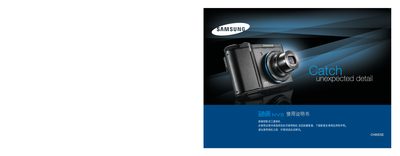
This manual describes the Samsung NV8 BlueTune digital camera. It includes instructions for connecting the camera to a computer via USB, using the Samsung Master software, printing directly via PictBridge, and recording images to SD/SDHC/MMC memory cards. The document also provides regional service contact information for China.
| USB Interface | USB 2.0 |
|---|---|
| Direct Printing | PictBridge compatible |
Connect the camera to a computer using the USB cable and use the Samsung Master software for file transfer.
Yes, the camera supports PictBridge for direct printing to compatible printers.