
This is a Samsung camera user manual, which introduces the function and usage of the camera, including the camera driver settings, taking photos, connecting to the computer, etc.
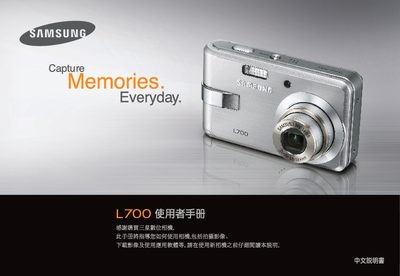
This manual provides step‑by‑step instructions for using the Samsung LZ700 digital camera, including basic operation, menu navigation, and image transfer via the supplied USB cable. It also covers optional features such as playback modes, PictBridge printing, and self‑timer functions.
Safety information is included to prevent damage or injury, with warnings about fire, explosive gases, and proper handling of batteries and accessories. Contact details for Samsung service centers worldwide are listed at the end of the document. This manual is written in Chinese.
| Battery Model | SLB-0837 |
|---|
Press the power button to turn the camera on; press it again to power off.
Select the self‑timer icon on the LCD screen or press the right‑hand key to start the timer.