
This document is a user manual for Samsung camera, which mainly introduces the functions and usage methods of the camera.
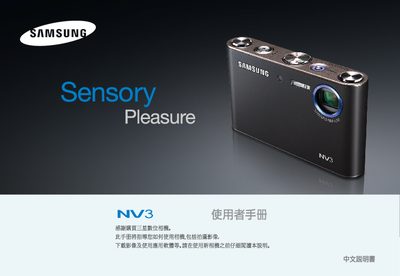
This manual guides you through the safe use of the Samsung NV3 digital camera, covering initial setup, battery handling, USB connection, and basic shooting functions. It includes important safety warnings such as avoiding use near flammable gases and keeping the camera dry.
The guide also explains how to transfer images to a computer, use the PictBridge printing feature, and navigate the camera’s menu and playback modes. Contact information for Samsung service centers worldwide is provided at the end of the document. This manual is written in Chinese.
No, you should not use the camera near flammable or explosive gases as it may increase the risk of explosion.
Turn off the camera and disconnect the power immediately.
Connect the supplied USB cable to the camera and the computer, then install the camera driver program.