
PV ®215 EQ Graphic Equalizer
This manual begins with important safety instructions, warning about electric shock, moisture exposure, and the need for qualified service personnel. It also includes multilingual safety notices for users in several regions.
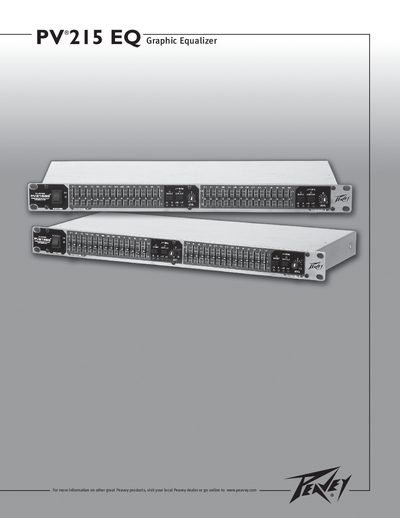
The PV215EQ is a dual‑channel, 15‑band graphic equalizer with 2/3‑octave filters covering 25 Hz to 16 kHz. The front‑panel description explains the level LEDs, overall level control, equalizer section controls, low‑cut filter, bypass, and power switch, guiding users through proper setup and adjustment for optimal sound quality.
| Channels | Dual channel (15 bands per channel) |
|---|---|
| Filter Type | 2/3 octave filter sets |
| Frequency Range | 25 Hz to 16 kHz |
| Filter Q | Constant Q |
| Gain per Band | ±2 dB cut or boost |
| Level LEDs | -12 dB to +17 dB |
| Low‑Cut Filter | Switch with status LED, rejects < 40 Hz |
| Inputs/Outputs | Balanced XLR inputs and outputs |
| Bypass Switch | Switch with status LED |
| Ground Lift | Ground lift switch |
Each channel provides 15 bands.
The equalizer covers frequencies from 25 Hz up to 16 kHz.
It uses balanced XLR connectors for both inputs and outputs.