
This is a mobile phone user manual, which mainly introduces the use of the mobile phone, function settings and other content
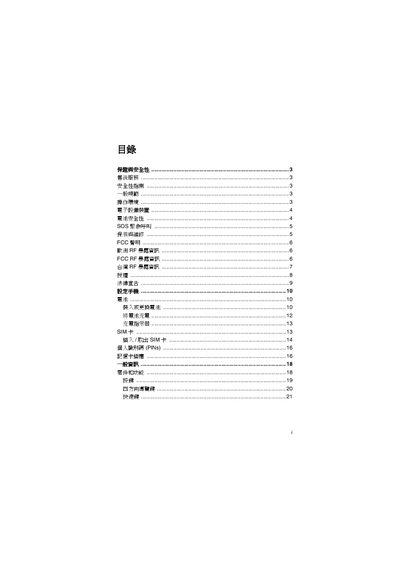
The manual begins with safety information, including general safety guidelines, operating environment, battery safety, and SOS emergency call procedures. It then covers basic phone usage such as inserting and removing the SIM card, setting personal PINs, using the keypad and four‑direction navigation keys, and adjusting backlight settings.
Further sections describe advanced features like WAP configuration, email creation and management, push mail, camera modes, music library, automatic answer, flight mode, scenario mode, and how to restore factory settings. An index at the end lists topics and page numbers for quick reference. This manual is written in Chinese.
| Backlight time | 41 |
|---|
The manual provides a section titled “SIM 卡 插入/取出SIM 卡” that explains the steps for inserting and removing the SIM card.
The manual includes a section on “个人截细硒 (PINs)” that details how to set or change the PIN.
To restore factory defaults, follow the instructions under “恢复原厂改定”.