
This is a user manual for Kodak EasyShare C300 digital camera
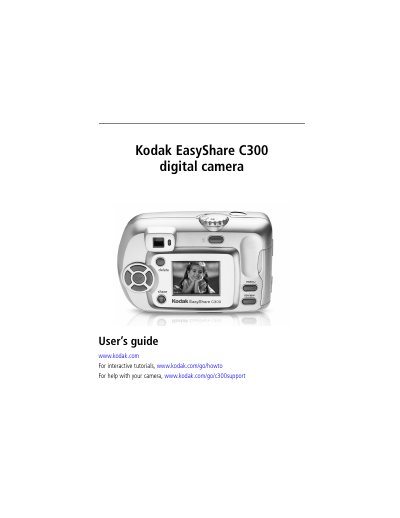
This guide walks you through setting up the EasyShare C300, including attaching the wrist strap, loading batteries, inserting an SD or MMC card, and configuring date, time, and language settings. It also explains basic camera functions such as taking photos, recording video, using the flash, and reviewing images on the LCD screen.
Additional sections cover transferring images to a computer via USB, printing, using the EasyShare dock, and troubleshooting common issues. An appendix provides detailed camera specifications, battery information, and warranty details.
| Color depth | 24‑bit, millions of colors |
|---|---|
| Dimensions (W × D × H) | 4.1 in × 1.6 in × 2.6 in (103.5 mm × 40.2 mm × 65 mm) |
| Weight | 5.2 oz (147 g) excluding batteries or card |
| File format (still images) | JPEG / EXIF v2.2 |
| Video format | QuickTime (motion JPEG codec) |
| Flash modes | Auto, Fill, Red‑eye, Off |
| Effective flash range | 2.6 – 7.9 ft (0.8 – 2.4 m) at ISO 140 |
| Charging time | Less than 7 seconds with charged battery |
| ISO speed (still) | Automatic 100‑200 (140 with flash) |
Open the battery door, attach the wrist strap post, then close the battery door.
The camera accepts CRV3 lithium (non‑rechargeable) or Ni‑MH (rechargeable) AA batteries.
Connect the camera to a computer with the USB cable and use the EasyShare software to import the images.