
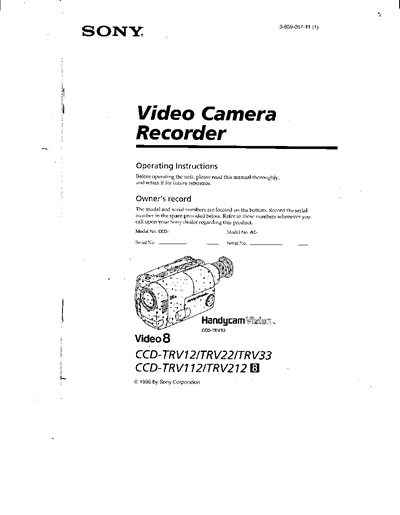
This manual provides step‑by‑step guidance for the Sony CCD‑TRV12, CCD‑TRV22, CCD‑TRV33, CCD‑TRV112 and CCD‑TRV212 Handycam Vision camcorders. It explains how to check supplied accessories, charge and install the battery pack, insert and eject cassettes, and use basic and advanced shooting functions such as zoom, steady shot, and CINEMA mode.
Safety warnings, battery‑life information, and a troubleshooting section help users avoid damage and resolve common issues. The document also includes specifications for battery charging times, recording duration, and viewfinder zoom capabilities.
| Battery pack charging time (NP‑33) | 215 minutes |
|---|---|
| Viewfinder zoom – CCD‑TRV12 | 26x digital |
Connect the supplied AC power adaptor, align the battery pack with the adaptor, set the selector to CHARGE, and wait until the CHARGE lamp turns off, indicating the battery is fully charged.
A slow‑flashing indicator means the battery is weak, while a fast‑flashing indicator means the battery is dead.
No. The camcorder cannot be used with the AC power adaptor while the battery pack is charging.