
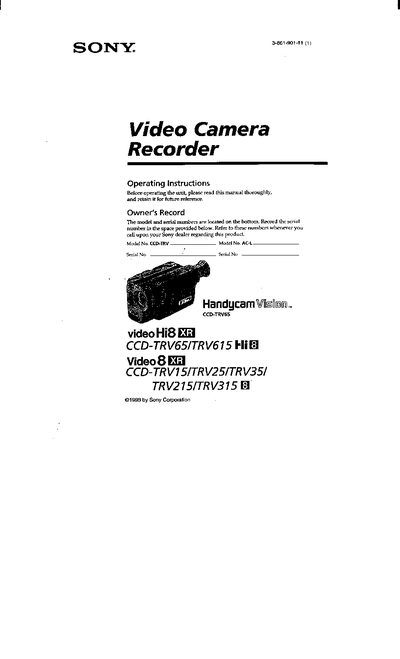
This manual provides step‑by‑step instructions for using Sony CCD‑TRV series camcorders (models CCD‑TRV65, TRV615, TRV15, TRV25, TRV35, TRV215, TRV315). It covers everything from checking supplied accessories and installing the battery pack to basic shooting operations, advanced features, playback, and maintenance.
Safety warnings, battery‑charging procedures, and troubleshooting tips are included, along with a specifications section and parts identification for service reference.
Press the BATT RELEASE button and slide the battery terminal cover in the direction of the arrow, then insert the battery pack with the V‑mark aligned until it clicks into place.
Open the DC IN jack cover, connect the supplied AC power adaptor to the DC IN jack, plug the power cord into a wall outlet, and set the POWER switch to OFF; the battery will charge and the display will show the charging status.
A slow flashing indicator means the battery is weak, while a fast flashing indicator means the battery is dead.
Replace the lithium battery at an authorized Sony Service Center or follow the disposal instructions for lithium‑ion batteries.