
User manual, introduces the use of the OPTIMA 102 digital camera, including installing batteries, inserting storage cards, taking pictures, recording videos, and playback
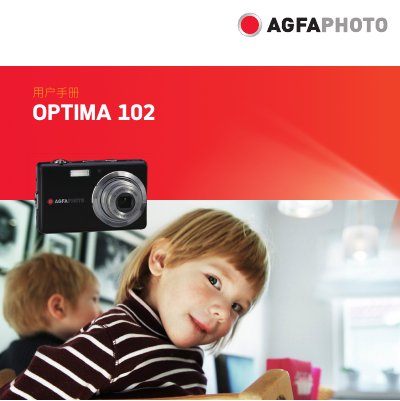
This manual guides users through the basic functions of the AgfaPhoto OPTIMA 102 digital camera, covering everything from unpacking and battery installation to shooting photos, recording video, and using the LCD display. Safety warnings and handling instructions are included to help avoid damage and ensure proper use.
Detailed sections explain system requirements, storage options, menu navigation, focus modes, flash usage, and connectivity options such as USB, TV output, and PictBridge. The appendix provides specifications, FCC compliance information, and service contact details. This manual is written in Chinese.
| Sensor | 12 MP 1/2.3" CCD |
|---|---|
| Lens focal length | 6.2‑18.6 mm |
| Optical zoom | 3× |
| Digital zoom | 5× |
| LCD display | 3.0" color LCD |
| Internal storage | 32 MB |
| Supported memory cards | SD up to 4 GB, SDHC up to 32 GB |
| Dimensions | 90.1 × 56.8 × 18.8 mm |
| Weight | 110 g |
| Video format | AVI (MJPEG) |
It uses a 12‑megapixel (1200万像素) 1/2.3‑inch CCD sensor.
The camera supports SD cards up to 4 GB and SDHC cards up to 32 GB.
The camera measures 90.1 × 56.8 × 18.8 mm and weighs about 110 g.