
Key facts
- Brand
- AgfaPhoto
- Model
- OPTIMA 102
- Category
- Digital cameras
- Documents
- 2
- Languages
- ZH · EN
- Last added
- 2012-03-23
Start here
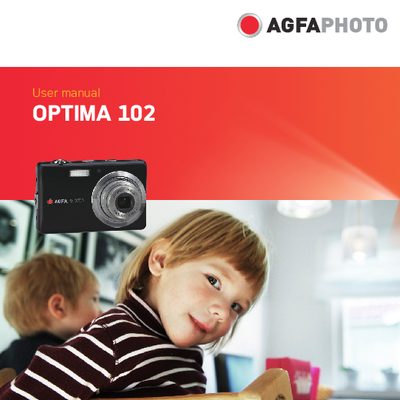
AgfaPhoto OPTIMA 102 Digital Camera User Manual
This manual guides users through the safe handling, basic setup, and everyday operation of the AgfaPhoto OPTIMA 102 digital camera. It includes safety precautions, battery handling, memory card installation, and an overview of the camera's buttons, menus, and LCD display.
Detailed sections cover recording photos, videos and audio, using flash and zoom, connecting the camera to a TV, PC or printer, and troubleshooting common issues. The appendix lists specifications, folder naming conventions, and customer care information.
AgfaPhoto OPTIMA 102 specifications
| Sensor | 12 MP 1/2.3" CCD |
|---|---|
| Lens focal length | 6.2‑18.6 mm |
| Optical zoom | 3× |
| Digital zoom | 5× |
| LCD display | 3.0" color LCD |
| Internal storage | 32 MB |
| Supported memory cards | SD up to 4 GB, SDHC up to 32 GB |
| Dimensions | 90.1 × 56.8 × 18.8 mm |
| Weight | 110 g |
| Video format | AVI (MJPEG) |
All AgfaPhoto OPTIMA 102 documents by type
Day-to-day operation, settings and troubleshooting. Start here if the product is already set up.
Questions answered in these manuals
How many megapixels does the OPTIMA 102 camera have?
It uses a 12‑megapixel (1200万像素) 1/2.3‑inch CCD sensor.
What types of memory cards can be used with the camera?
The camera supports SD cards up to 4 GB and SDHC cards up to 32 GB.
How do I safely install or remove the battery?
Turn off the camera before installing or removing the rechargeable battery.
What safety precautions should I follow when handling the camera?
Do not expose the camera to moisture, extreme temperatures, direct sunlight, or use abrasive chemicals; wipe with a slightly damp soft cloth.