
The document provides instructions on the installation and usage of Multimedia Speakers SPA2210 SPA2210V 4 (L) (R) EN, as well as system requirements and environmental considerations.
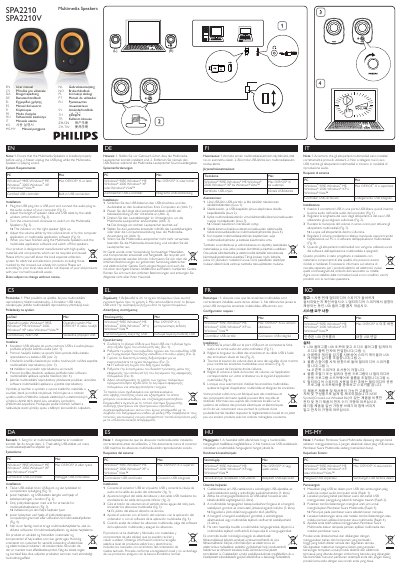
This manual explains how to install and operate the Philips SPA2210 multimedia speakers. It covers connecting the USB and audio plugs, adjusting cable length, powering the speakers, and adjusting volume via the knob or computer software.
System requirements, safety notes, and recycling information are also included. The speakers work with PCs and Macs running Windows 98SE, ME, 2000, XP, Vista, or Mac OS 9/OS X and later, using a certified USB controller and built‑in USB connection.
| Supported Operating Systems | Windows 98SE, Windows ME, Windows 2000, Windows XP, Windows Vista, Mac OS 9, Mac OS X or later |
|---|
No. The manual advises never to unplug the USB plug while the multimedia speakers are playing sound.
The product should be recycled according to local electronic waste collection rules and not disposed of with regular household waste.