
This is an installation manual for Philips SPC640NC web camera, which includes the installation steps and usage instructions.
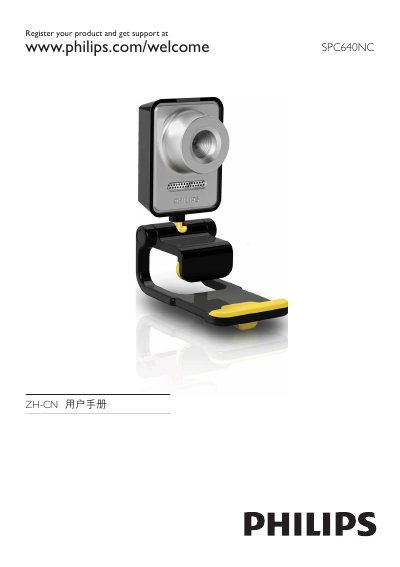
This manual provides instructions for installing and using the Philips SPC640NC webcam. It includes setup steps, software installation, compatibility details with operating systems like Windows XP, Vista, and 7, and features such as digital zoom and face tracking. The guide also covers registration, troubleshooting, and supported applications like Skype and Yahoo! Messenger. This manual is written in Chinese.
| Operating Systems | Windows XP (SP2), Vista, Windows 7 |
|---|---|
| Processor | Intel Pentium® IV, 850Mhz |
| RAM | 512 MB (for XP) or 1 GB (for Vista/7) |
| USB Port | USB 2.0 |
| CD-ROM/DVD | CD-ROM &% DVD 3kahes |
The webcam comes with Philips CamSuite software for features like digital zoom and face tracking.
Compatible with Windows XP (SP2), Vista, and Windows 7.
Requires Intel Pentium® IV 850Mhz, 512 MB RAM (XP) or 1 GB RAM (Vista/7), USB 2.0 port, and CD-ROM/DVD drive.