
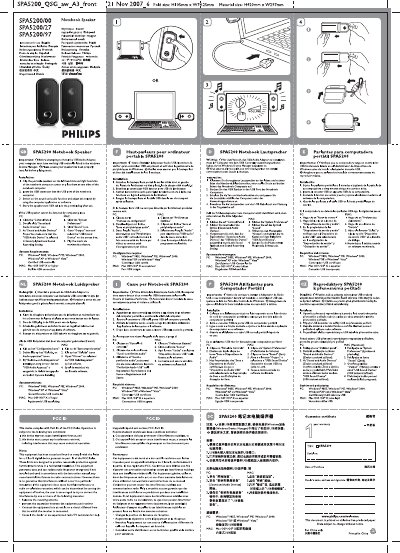
The SPA5200/27 is a portable USB speaker set designed for notebook computers. It connects via a USB audio adapter and includes two detachable speakers that can be clipped to the sides of the laptop screen.
The manual explains how to install the speakers, configure the USB audio device on Windows or macOS, and lists the required operating systems and FCC compliance notes. It also gives troubleshooting tips if the speakers are not detected.
| System Requirements (PC) | Windows 98SE, ME, 2000, XP, Vista |
|---|---|
| Fold size | H105 mm × W74.25 mm |
| Material size | H420 mm × W297 mm |
You must ensure that your computer has a working USB controller listed in the Windows Device Manager.
Open the sound settings, ensure the USB audio device is selected as the output device, and follow the troubleshooting steps listed in the manual.