
This is a user manual for a mouse, which introduces the features and how to use the mouse
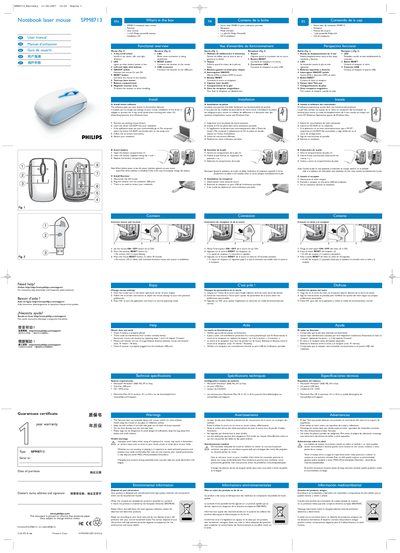
This manual covers everything you need to get the Philips SPM8713 notebook laser mouse up and running. It includes a warranty certificate, a list of items in the box, a functional overview of the mouse and its receiver, and detailed installation instructions for the driver software, battery, and receiver.
Additional sections explain how to change mouse settings, troubleshoot common problems such as low battery or connectivity issues, and provide technical specifications, system requirements, health warnings, environmental disposal guidance, FCC compliance, and EMF safety information.
| Battery type | AA Philips Powerlife |
|---|---|
| FCC ID | OYM-PMB7 13 /1C:135M-SPM87 13 |
| System requirements – Operating system | Windows 2000, ME, XP, Vista; Mac OS X 10.1‑10.4 (downloadable) |
| System requirements – Ports | One free USB port; CD/DVD drive |
Check that the battery is correctly placed, ensure the receiver is plugged into a USB port, reduce the distance between mouse and receiver, and verify there is no interference from other wireless devices.
Open the battery compartment (marked 7), insert a new AA Philips Powerlife battery observing the polarity, and close the compartment.
A computer running Windows 2000, ME, XP, or Vista with one free USB port and a CD/DVD drive; Mac OS X 10.1‑10.4 drivers are available for download.