
SyncMaster 794MB/794MB+ / 798MB/796MB/796MB+ is a 24.5-inch 16:10 ultra-wide LCD monitor with a resolution of 1920×1200, a contrast ratio of 1000:1, a brightness of 250cd/m2, a response time of 5ms, and an 8-bit color depth.
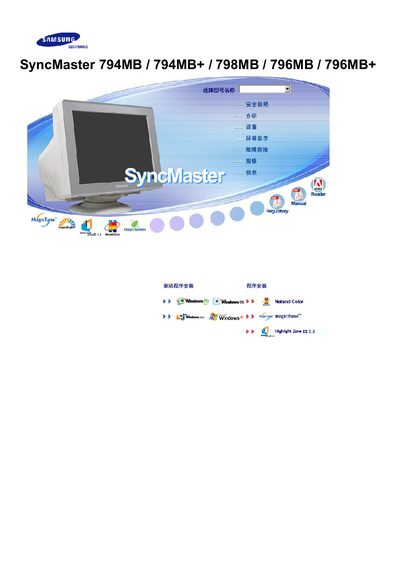
This manual provides operating instructions and specifications for the Samsung 794MB, 794MB+, 796MB, 796MB+, 798MB series of monitors. It includes setup procedures, adjustment controls, and regulatory information. The document covers display settings, connectivity, and safety information for users. This manual is written in Chinese.
| Resolution | 1024 x 768 |
|---|---|
| Display standards | VESA DDC |
Users can control screen brightness and clarity using the front panel buttons, with four levels available for different usage scenarios.
The dot pitch refers to the distance between same-color points on the screen, with higher density resulting in higher resolution.
Highlight Zone enhances specific display areas for brighter, clearer images using Samsung's unique circuit technology.