
This document is about the power, installation and cleaning instructions of SyncMaster 703MS Plus / 704MS Plus / 705MS Plus/ 706MS Plus products.
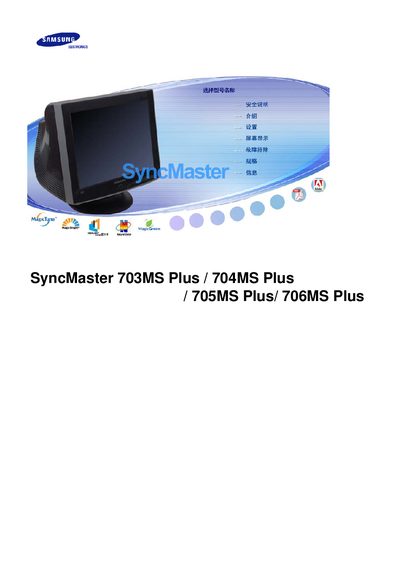
This manual covers the Samsung SyncMaster Plus series (703MS, 704MS, 705MS, 706MS). It includes safety instructions, installation steps, and detailed operating procedures for the monitors. The document also lists the supported display technologies such as HighlightZone III, MagicBright2™ and MagicGreen, as well as compliance information like VESA mounting, DPMS, DDC and Energy Star certification.
Additional sections provide specifications, warranty details, and import/export information for the Mexican market, along with contact numbers for Samsung Electronics Mexico and Samsung Electronics Korea.
| Native resolution | 1024 x 768 |
|---|---|
| VESA mounting support | Yes |
| Energy Star certification | Yes |
| Display technology | HighlightZone III 3.5 |
| Display technology | MagicBright2™ |
| Display technology | MagicGreen |
The native resolution is 1024 × 768 pixels.
Yes, the monitor is VESA‑compatible.
The monitor is certified Energy Star.