
This document provides instructions and installation guidelines for SyncMaster 591s / 591v / 793s / 793v / 783DF / 793DF / 793MB / 795DF / 795MB / 797DF / 997DF and other related products, including precautions for power usage, plug and socket, and maintenance.
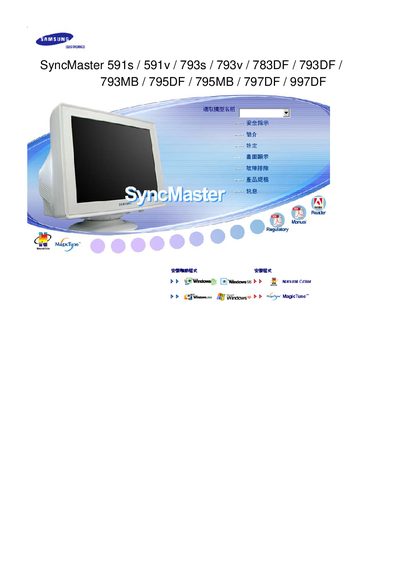
This user manual provides safety instructions and operating guidance for the Samsung 591s monitor. It includes warnings against disassembly, electrical hazards, and proper installation. The document covers cleaning methods, ventilation requirements, and OSD menu navigation for display settings. This manual is written in Chinese.
| Model | 591s |
|---|---|
| VESA DDC | Supported |
| Resolution | 1024 x 768 |
Use a slightly damp soft cloth. Do not use water. Dilute neutral detergent if needed (1:10 ratio). Do not spray detergent directly on the monitor.
The manual covers SyncMaster 591s, 591v, 793s, 793v, 783DF, 793DF, 793MB, 795DF, 795MB, 797DF, and 997DF.
The maximum resolution supported is 1024 x 768.