
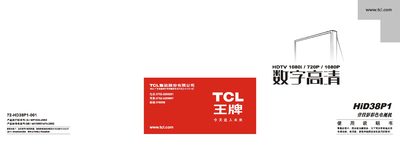
This manual guides users through the basic operation of the TCL HiD38P1 television, including power‑on procedures, channel searching, picture‑mode selection, and connecting external devices such as DVD players and computers. Detailed sections cover remote‑control functions, color‑center adjustment, and how to switch between TV, HDMI, VGA and other input sources.
Safety warnings, installation tips, and a comprehensive troubleshooting guide are also included, helping users resolve common issues like no picture, no sound, or interference caused by poor antenna placement. This manual is written in Chinese.
| Operating Voltage | 175V‑240V~ 50Hz |
|---|---|
| Power Consumption | 200W |
| Dimensions (W×D×H) | 922mm × 538mm × 854mm |
| Weight | 57 kg |
| Video Inputs | 4 |
| VGA Connector | 15‑pin |
Press the volume +/- keys to open the language menu, then select Chinese or English.
Check that the household fuse and power switch are on, ensure the power outlet is working, and verify the antenna or cable connections.