
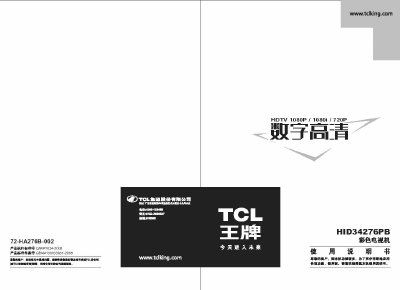
TCL HID34276PB HDTV User Manual


TCL HID34276PB HDTV User Manual - cover page
Brand
TCL
Category
Television
Document type
User Manual
Language
Chinese
Pages
14
File format
PDF
File size
1.1 MB
Published
21 March, 2012
Updated
20 April, 2012
MD5 checksum
D9C75158F30F942BED3514249F58D22B

About this manual

This document is the user manual for the TCL HID34276PB HDTV. It covers safety precautions, unpacking, and basic operations such as turning the TV on/off, channel searching, and adjusting sound and picture settings. The guide also details how to connect the TV to various sources including VGA computers and HDTV component inputs. This manual is written in Chinese.

What's inside

  • Safety Precautions
  • Features
  • Technical Specifications
  • Appearance Diagram
  • Basic Operations
  • Connection Diagram
  • Computer Input Mode
  • HDTV Mode
  • Troubleshooting
  • Interference

Specifications

Display Resolution1080P / 1080i / 720P
Channel Capacity255 channels
Power Supply150W-260V, 50Hz
Weight15.7kg

Frequently asked questions

What is the power voltage range?

The power voltage range is 150W-260V at 50Hz.

How do I connect a computer to the TV?

Use a VGA cable to connect the computer host output to the TV's computer input port.

What happens if there is no signal for two minutes?

The TV will automatically enter standby mode after two minutes without a signal.

Download PDF (1.1 MB)

More TCL Manuals


View all TCL manuals →