
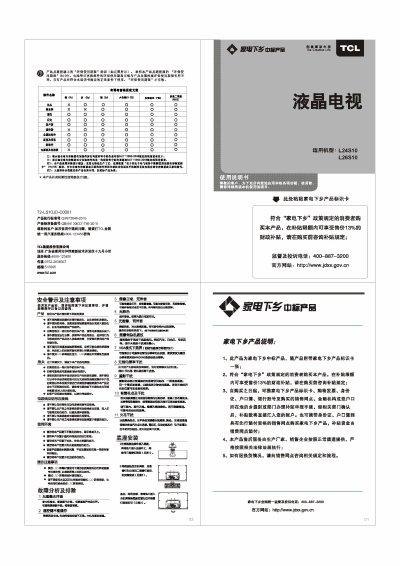
This user manual provides instructions for operating and maintaining TCL L24S10 and L26S10 LCD televisions. It includes safety warnings, setup procedures, troubleshooting tips for common issues like no picture or interference, and technical specifications such as power requirements, screen size, and supported input formats. The manual also covers remote control functions and basic setup steps for connecting antennas or cables. This manual is written in Chinese.
| Audio Output Power | Left + Right Speaker 2W + 2W |
|---|---|
| Operating Voltage | DC 2V - DC 24V |
| Rated Power | 30W - 45W |
| Screen Diagonal Size | 60cm / 86cm |
| Dimensions (W x H x D) | 596x171x434 mm / 656x171x475 mm |
| Operating Temperature | 5°C ~ 35°C |
| Operating Humidity | 20% ~ 80% |
| Channels | 470MHz - 862MHz (DSI-57CH) |
The environmental use period for the product and remote control is 10 years.
Connect the antenna or cable to the RF input port, then plug in the power adapter and connect to the power source.
Check if the power outlet or switch is on, and ensure the cables are properly connected.
Use the brightness, contrast, color, sharpness, and color temperature controls to adjust the display according to your preferences.