
This is a user manual for ViewSonic E90f+ monitor, which introduces the features of the monitor, including interfaces, installation, and usage.
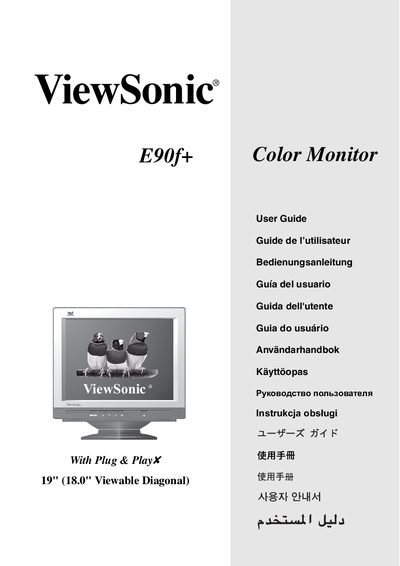
This manual covers the installation of the ViewSonic E90f+ monitor, including power connection, video cable hookup, and the installation of the ViewSonic Wizard driver and color‑profile files. It also explains how to configure display settings such as resolution, refresh rate, brightness modes and OSD functions.
Safety and regulatory information are included, with FCC and CE compliance notes, grounding requirements, and warnings about possible radio‑frequency interference. The guide also describes how to use the OnView control panel for menu navigation, color adjustment, and OSD lock/unlock. This manual is written in Japanese.
| Screen size | 19" (18.0" viewable diagonal) |
|---|---|
| Native resolution | 1280 x 1024 @ 75 Hz |
| OSD lock function | Press [1] and [W] for 3 seconds |
Use the OSD menu to select the desired resolution; the native setting is 1280 × 1024 at 75 Hz.
Press the [1] and [W] keys together for about three seconds to enable OSD LOCK.