
ViewSonic VG910b/VG910s User Guide, introduces the characteristics of the monitor, including installation, use, maintenance, etc.
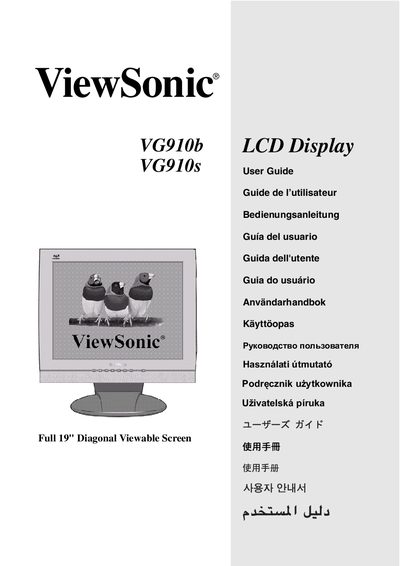
This guide covers safety information, quick installation, wall‑mount mounting, and basic operation of the ViewSonic VG910b/VG910s 19‑inch LCD monitor. It includes instructions for connecting power, audio, and video, as well as how to use the OnView control panel to adjust picture settings.
Additional sections explain FCC compliance, troubleshooting interference, and how to adjust timing modes such as resolution and refresh rate. The manual also provides details on VESA‑compatible mounting and recommended handling practices to protect the screen.
| Screen size | 19" diagonal |
|---|---|
| Resolution | 1280 x 1024 @ 60 Hz |
| VESA mount pattern | 100 mm x 100 mm |
| Model number | VLCDS27944-4W/3W |
Do not touch the screen, avoid placing objects on it, keep it away from direct sunlight, and handle it carefully to prevent damage.
Use the OnView control panel to set the timing mode, selecting a resolution such as 1280 × 1024 at 60 Hz.
Reorient or relocate the receiving antenna, increase the distance between the monitor and the receiver, use a different circuit, or consult a qualified technician.