
VP231wb User Guide is a user manual for ViewSonic 23 inch display.
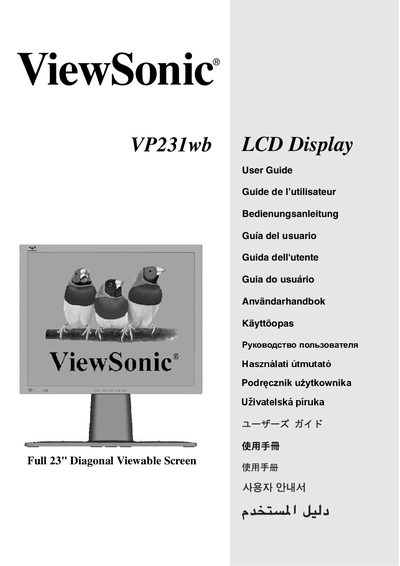
The ViewSonic VP231wb User Guide provides instructions for unpacking, connecting, and configuring the 23‑inch LCD display. It includes quick‑start steps, wall‑mount installation details, and guidance on adjusting picture settings such as resolution and refresh rate.
Safety notices, FCC compliance information, and warranty statements are also included, along with troubleshooting tips for common issues like image distortion or interference. The guide references VESA standards and provides contact information for support and recycling.
| Screen Size | 23" diagonal |
|---|---|
| Native Resolution | 1920 x 1200 |
| Refresh Rate | 60 Hz |
The monitor’s native resolution is 1920 × 1200 pixels.
Reorient or relocate the antenna, increase separation from the monitor, or use a different circuit outlet.