
This document is the user manual of ViewSonic VP912b/VP912s display, which introduces the basic use methods and functions of the display
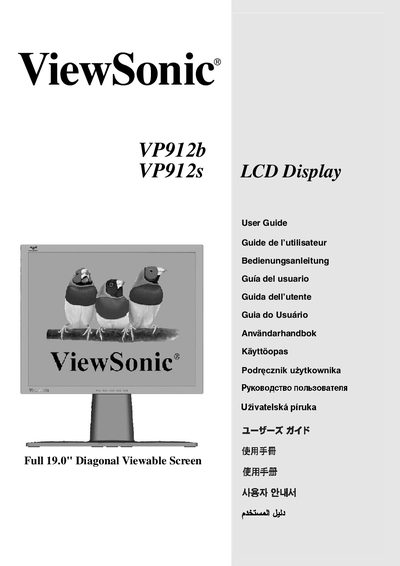
This guide covers the basic setup of the ViewSonic VP912b/s 19‑inch LCD display, including quick installation steps, power connections, and video interface configuration. It also explains how to switch between landscape and portrait modes, adjust timing settings, and use the Perfect Portrait driver for optimal image quality.
Safety information, FCC compliance warnings, and wall‑mount installation procedures are included to ensure reliable and interference‑free operation. The manual provides troubleshooting tips and contact details for further support.
| Screen Size | 19.0" diagonal |
|---|---|
| Resolution | 1280 x 1024 @ 60 Hz |
| Model Number | VLCDS25973-5W/4W |
Set the display to 1280 × 1024 at 60 Hz, which is the recommended VESA timing for the VP912b/s.
Re‑orient or relocate the receiving antenna, increase separation between the display and receiver, or use a different circuit outlet, as suggested in the FCC warning section.