
This document is the user guide for VP230mb ViewPanel®, describing the features and usage of the product.
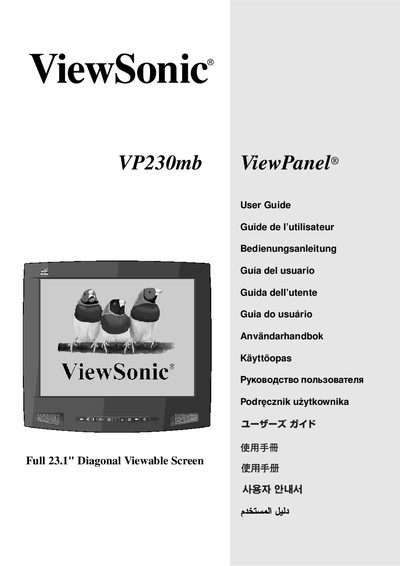
This guide walks you through unpacking, connecting video and power cables, and choosing installation options such as wall‑mount or base stand. It also explains how to register the product online and outlines warranty and environmental disposal information.
The manual details screen settings, including resolution, refresh rate, OSD lock/unlock procedures, and image adjustments. Technical specifications, troubleshooting tips, and compliance data are included for safe and optimal use. This manual is written in Chinese.
| Screen size | 23.1‑inch diagonal |
|---|---|
| Native resolution | 1600 x 1200 @ 60 Hz |
| Video inputs | VGA (analog) and DVI |
Turn on the ViewPanel first, then power up the computer.
Press and hold the [] key and the up‑arrow for 10 seconds.
Immediately turn off the ViewPanel and contact the dealer or ViewSonic.