
This document is a user guide for the VG900 LCD display, providing information on packaging, precautions, installation, screen image adjustment, and main menu control settings.
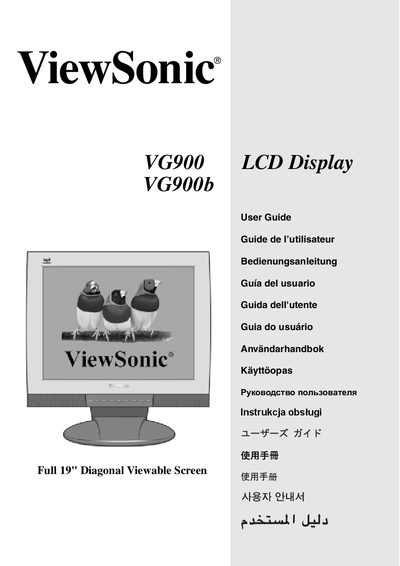
This guide covers product registration, packaging contents, safety precautions, quick installation, and detailed installation options for the VG900 LCD display. It explains how to use the monitor, adjust screen image, configure OSD and power‑lock settings, and navigate the main menu controls.
Technical specifications, troubleshooting steps, cleaning instructions, limited warranty details, safety regulations, and regional compliance information for the United States and Europe are also included.
Use the OSD LOCK function in the OSD menu to lock the on‑screen display.
Select the screen image adjustment option in the menu to modify brightness, contrast, and color settings.
Follow the cleaning instructions in the guide to safely clean the LCD display.