
This e-manual provides information on safety measures and troubleshooting for the Philips 170V9 monitor.
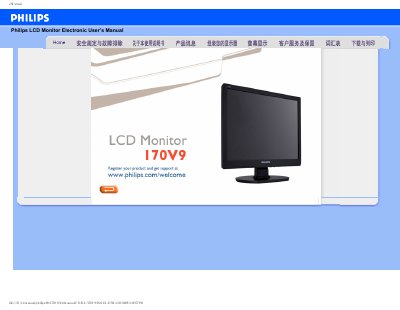
This manual covers safe handling, installation, and maintenance of the Philips 170V9 LCD monitor. It includes safety precautions, cleaning instructions, and troubleshooting steps for common issues such as video mode errors and power problems.
Additional sections explain screen adjustment, compatibility with other devices, VESA wall‑mount options, and how to install driver software. A full FAQ section answers typical user questions about resolution, refresh rate, and LCD technology.
| Operating temperature | 0‑40 °C |
|---|---|
| Operating humidity | 20‑80 % RH |
| Recommended resolution | 1280 × 1024 |
| Refresh rate | 60 Hz |
| VESA mounting | 4 standard VESA mounting holes |
Use a soft, lint‑free cloth; for thorough cleaning, use isopropyl alcohol. Do not use organic solvents such as ethanol, acetone, or other cleaning liquids.
Yes, the monitor has four standard VESA mounting holes that allow it to be attached to most VESA‑compatible wall brackets.