
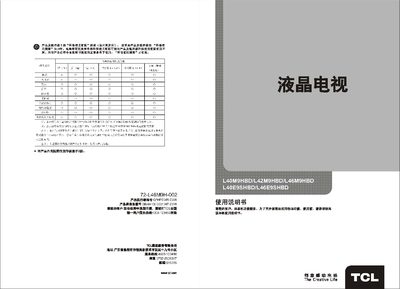
The TCL LCD televisions combine high‑resolution display, multiple input options (HDMI, VGA, AV, USB, antenna) and features such as child‑lock, automatic standby and various picture modes. They are designed for home, commercial and industrial use, offering low power consumption and a compact, lightweight design.
The manual covers safety warnings, included accessories, front‑panel diagram and connections, remote‑control usage, basic operation, menu functions, technical specifications and a troubleshooting guide. Follow the instructions to install the TV, connect antennas or external devices, adjust picture settings, and resolve common issues such as no picture, no sound, or interference. This manual is written in Chinese.
| Working temperature | 5°C‑35°C |
|---|---|
| Storage temperature | -15°C‑-49°C |
| Power supply voltage | 220 V / 50 Hz |
| Antenna input frequency | 470 MHz |
Press the numeric keys on the remote to enter a three‑digit channel number, or use the up/down keys to step through channels.
Check that the antenna or cable is connected, verify the TV’s power is on, ensure the correct input source is selected, and confirm the volume is not muted. If the problem persists, refer to the troubleshooting section.
Use a dry, soft cloth or a liquid‑crystal‑specific cleaning agent. Do not apply pressure or use water or chemicals that could damage the screen.
Operate the TV at temperatures between 5 °C and 35 °C with humidity of 20 %–80 %. Store it at –15 °C to –49 °C with humidity of 10 %–90 %.